Printing & scan checks
How to print artistic QR codes without losing readability
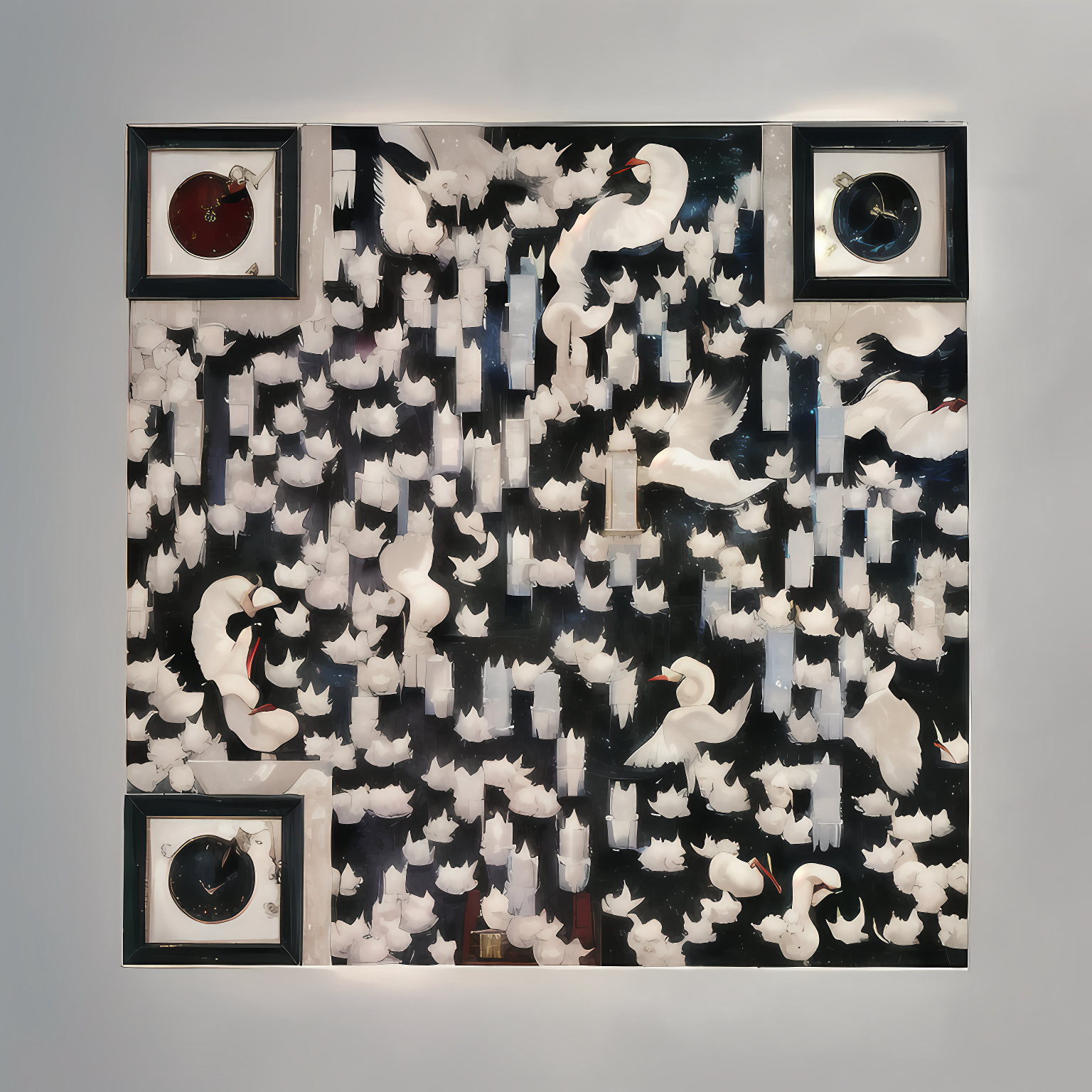
Art QR codes blend illustration with a machine-readable pattern. A digital scan check is useful, but it cannot reproduce every printer, screen, phone camera, material or lighting condition. Test a physical proof before committing to a print run.
Start with the downloaded file
Use the actual downloaded image, not a screenshot, email thumbnail or compressed social-media preview. Paid creations provide the full-resolution file. Free files are smaller and include a branding banner that must remain visible. Enlarging a small image does not recreate detail that is not in the file.
Keep the whole artwork intact
Do not crop the edges, stretch the image, cover the corner markers, or place a logo or text on top of its patterned area. Put your instruction beside or beneath the image. Preserve space around the artwork so nearby design elements do not compete with it.
Test the size and the surface you will actually use
There is no single size that guarantees every artistic code will scan. The encoded link, image, viewing distance, printing quality and phone all matter. Make a proof at your planned size, try it from the distance a customer would stand, and make it larger if needed. Check for glare, low light, curved packaging and reflective surfaces.
Check more than one phone
Try the default cameras on available iPhone and Android devices. Verify the resulting destination, not just the appearance of a scan indicator. If one image proves unreliable in its intended setting, use another design or a simpler scene and test again. Do not assume every customer will install a special scanner.
Make the next step obvious
A small label such as “Scan for our menu”, “View the collection” or “See event details” explains why somebody should scan. Choose a mobile-friendly destination that opens without an account. Recheck it after changing the destination page or an editable link.